

App Website Templates
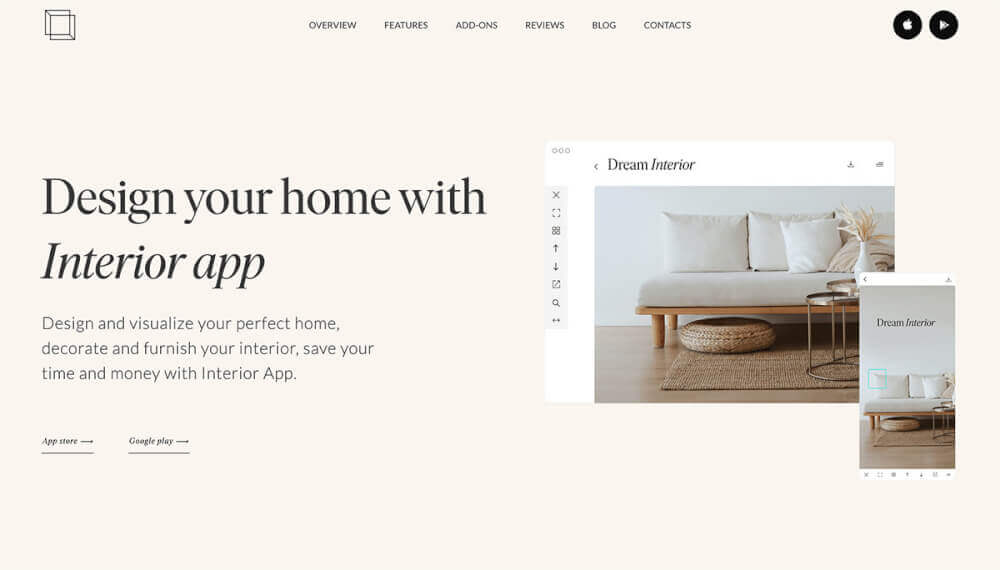
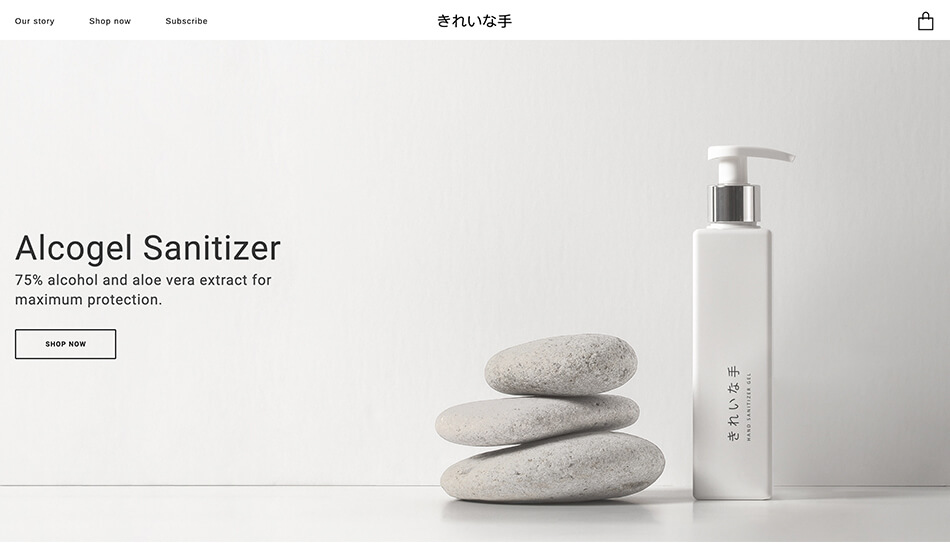
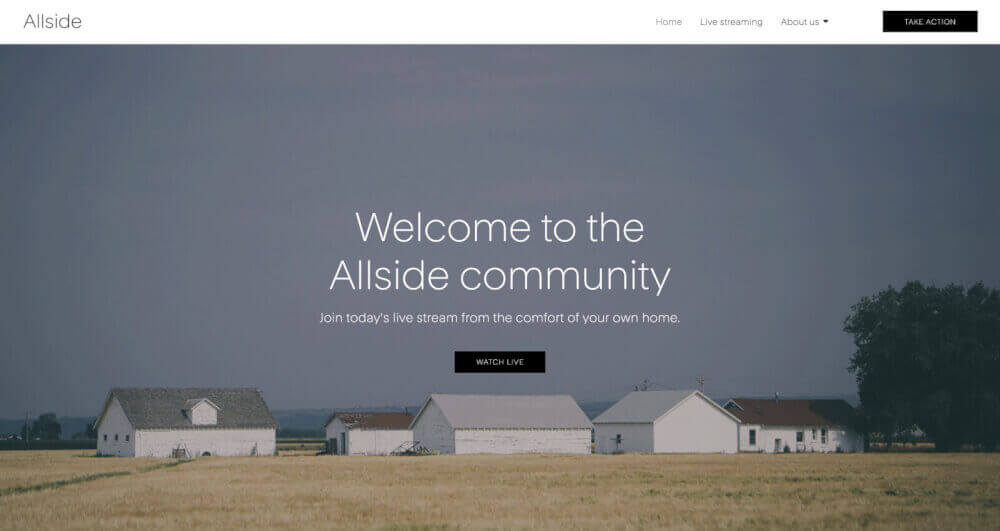
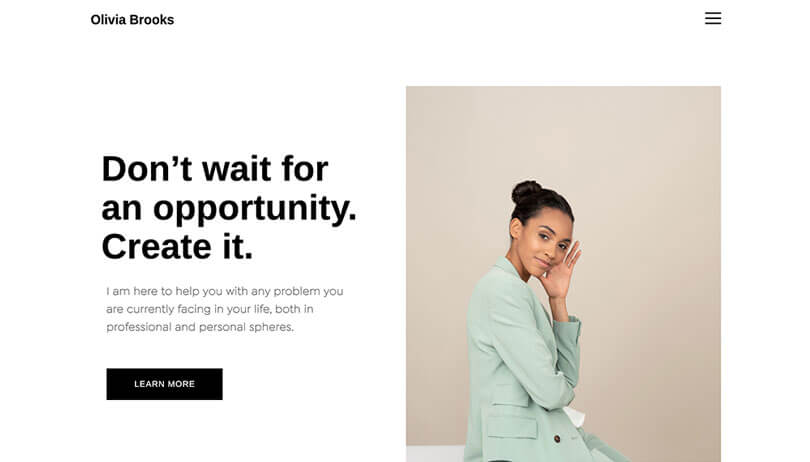
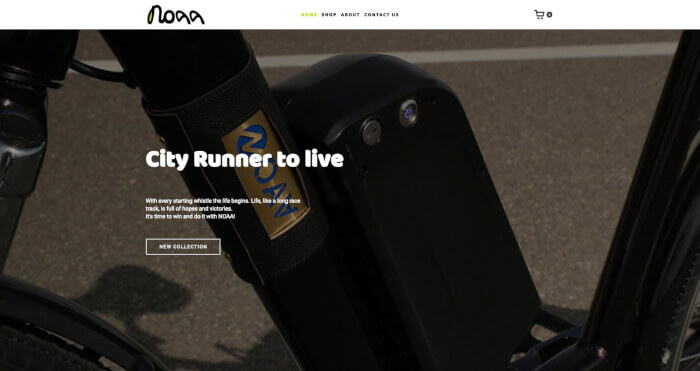
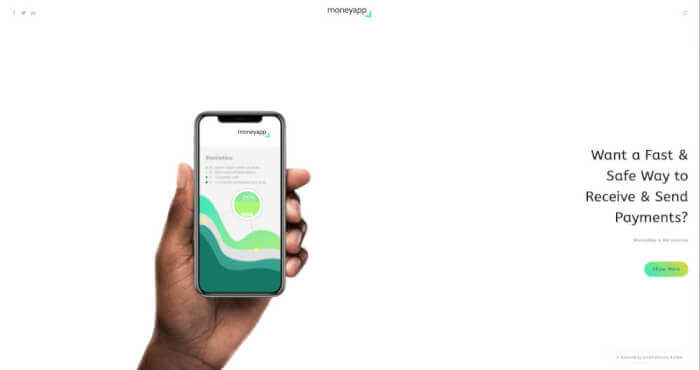
Behind every great app is a stylish, informative website. Create your app website today using these designs.
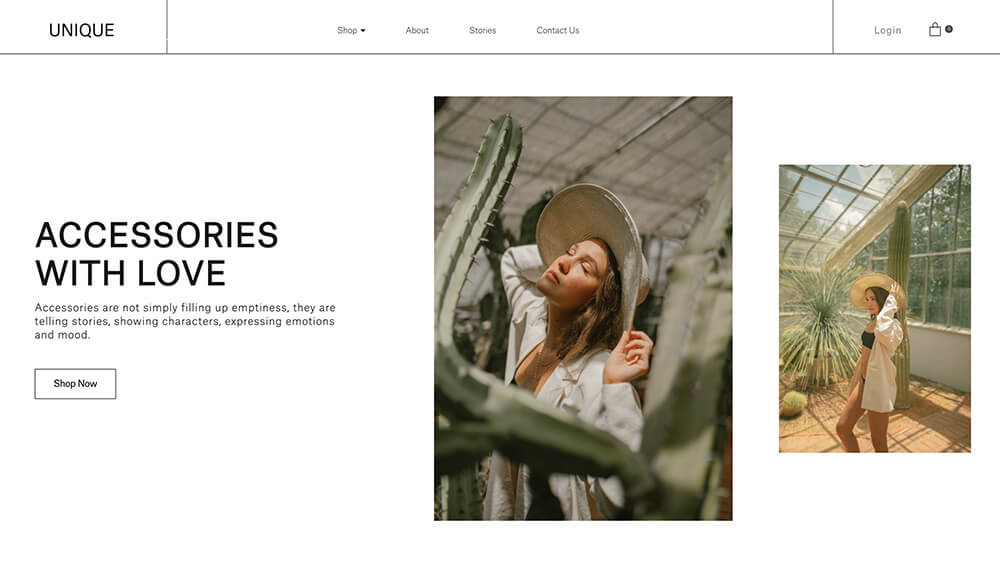
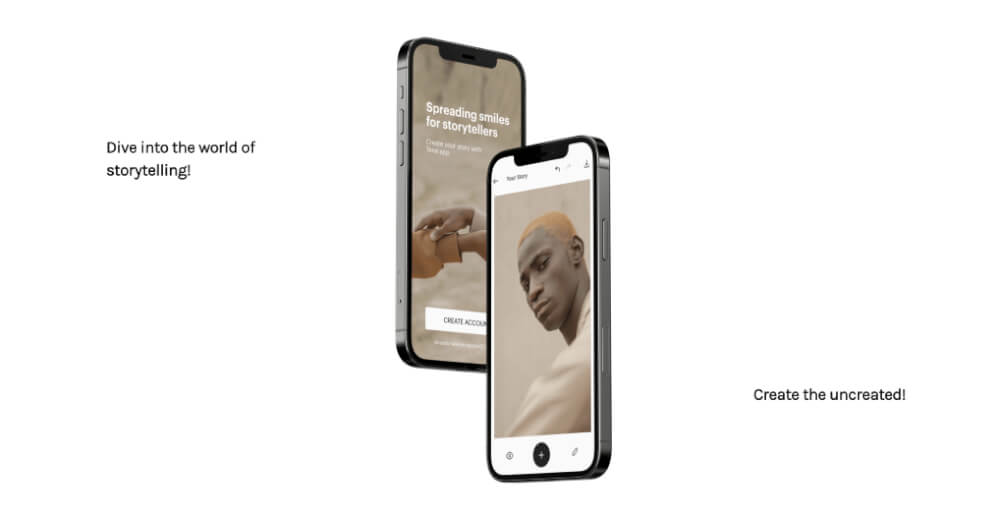


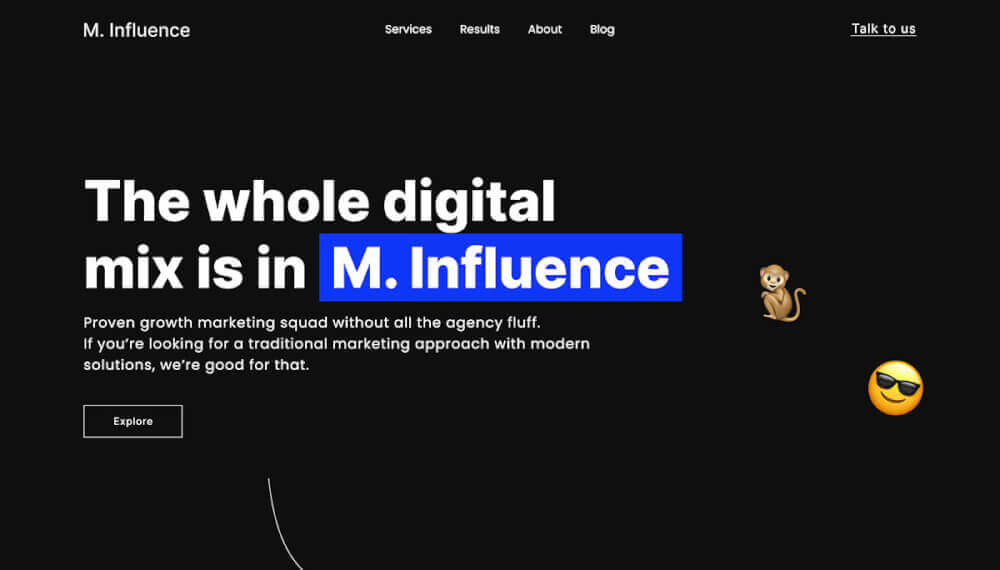
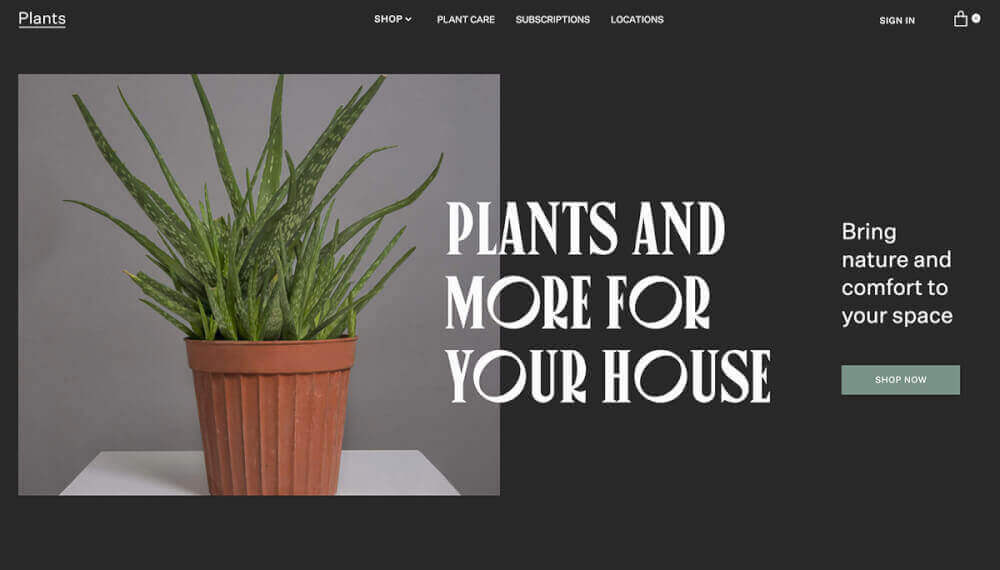























































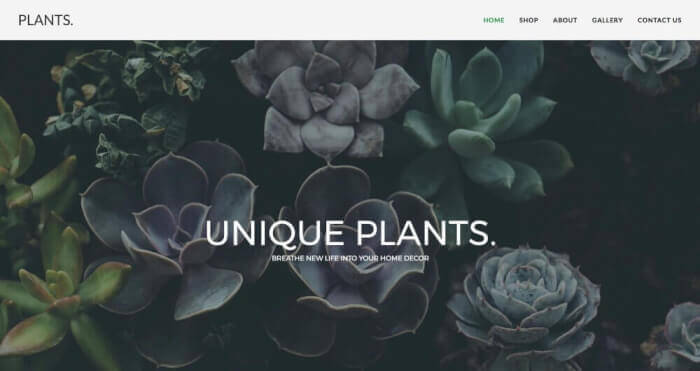
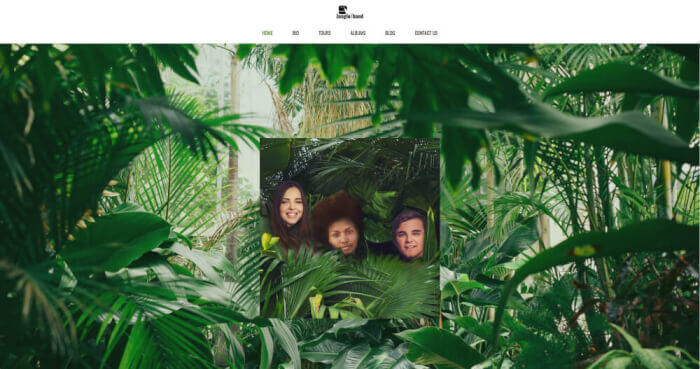



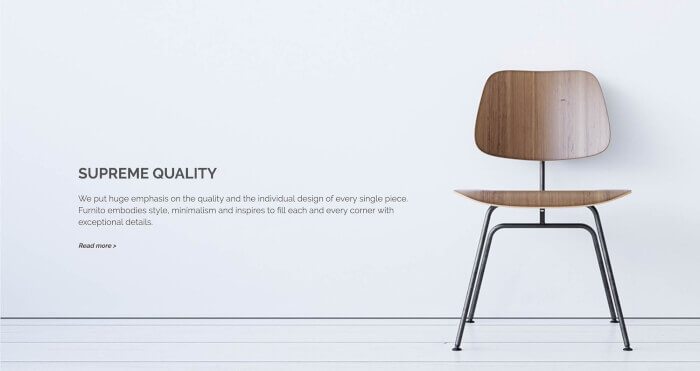


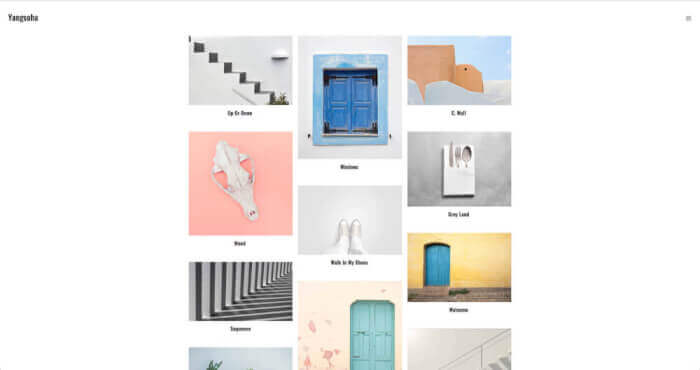



Promote your app
Don't rely solely on the app store. Create a website for your app and introduce it to the world.
Introduce your product
Give future customers a reason to download your product by highlighting the benefits.
Make yourself known
You've done something amazing - you've created an app. Now it's time to introduce yourself as the creator.
Encourage feedback
Provide a space for your customers where they can review your product and give feedback.
FAQ
Firstly, creating a website BEFORE you have launched your app will create excitement around your launch date. Also, a website has no limitations on content and media, unlike the App Store or Google Play. Creating a website for your app also gives you more direct contact with users, direct control over what user reviews you choose to publish and allows your app to gain more exposure via SEO.
The best way to inform people on how to use your app (via your website) is to include an FAQ section. You can do this by dragging and dropping the Accordion Element onto your desired web page and filling in the questions/answers. That way, you can tackle the most frequently addressed issues that people might have posted in the review section of your app page.
In order to keep users updated, or give them the chance to receive frequent updates, you need to give them the opportunity to subscribe. Ucraft has a special element called the Subscription Element, which you can drag onto your website. Choose the fields you want to include and let your viewers fill in the details required to subscribe to your app website.
Ucraft allows you to add custom widgets by using the Custom HTML Element. You can use this feature if you wish to add a custom feature/element that is not offered by Ucraft. Select the Custom HTML Element from the elements panel, drag it to wherever you want your feature to appear and paste the code. This is a great way to personalize your app website.
You can easily receive feedback on your website via the Typeform Element. Simply sign up for Typeform, activate the integration on your website and drop the element wherever you want the form to appear on the page. This gives you the opportunity to receive feedback from your users and gain a better understanding of what is working, and what is worth changing. Highly recommended for app websites.